
To remove Beacon:
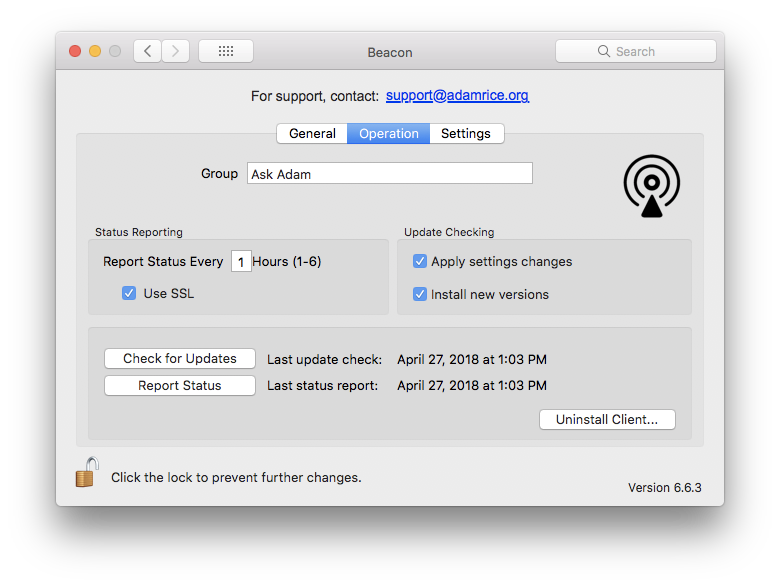
- Open System Preferences > Beacon
- Click ‘Operation’
- Click the lock in the lower left if necessary, to make changes.
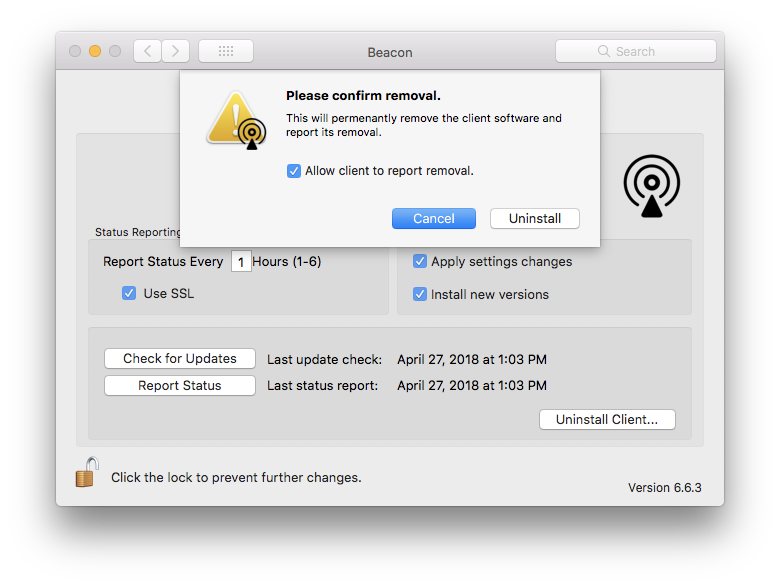
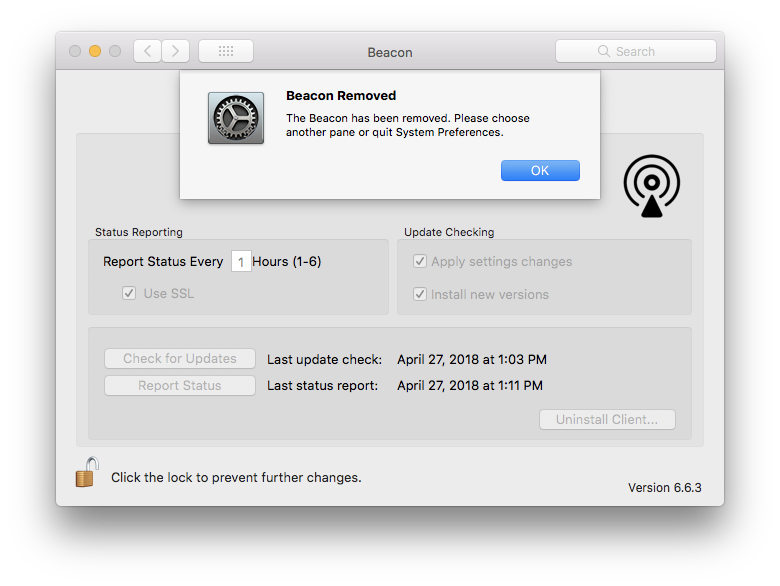
- Click ‘Uninstall Client…’ and then click ‘Uninstall’. After a few moments, you will see a message that Beacon has been removed.
- Quit System Preferences.
Comments
0 comments
Article is closed for comments.